iPhone Travel Photography Accessories: What Actually Earns a Spot in One Bag
I shoot most of my travel and street photography on an iPhone. Not because it beats a real camera on paper, but because it keeps my setup light, keeps me a little more invisible, and does not scream tourist the second I raise it. Over the last couple of years I have bought most of the iPhone travel photography accessories the internet swears you need, and I want to be honest with you: most of them I would tell you to skip. A few genuinely earned a place in my bag, and one of them does something your iPhone physically cannot do on its own.
This is the honest, one-bag version of that list. Not fifteen things you have to own. Just what actually improves the photo, what is situational, and what to leave on the shelf.
Why I travel and shoot street on a phone
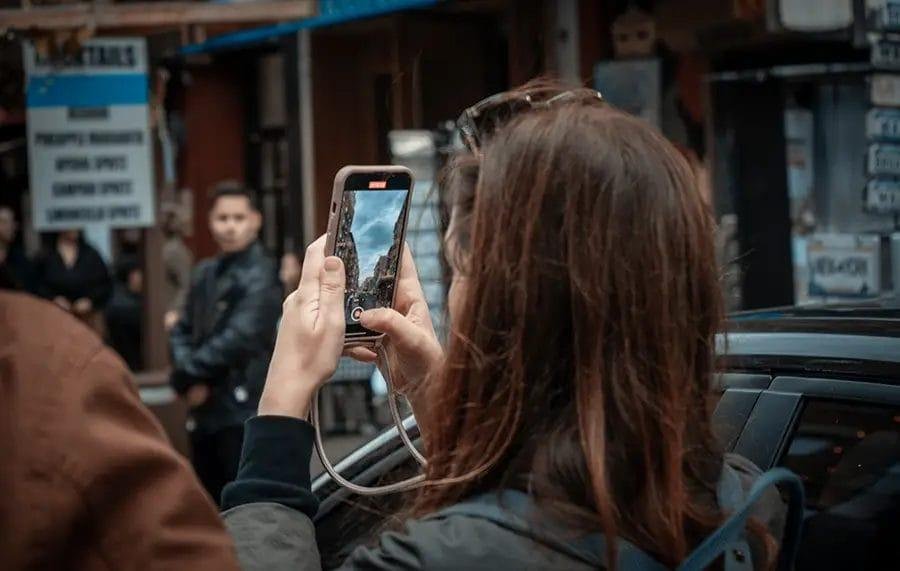
I am a photographer, but photography is not my full-time job. I work a day job, I am an introvert, and I would rather blend into a street than announce myself on it. A dedicated camera, especially a big one, changes how people treat you. A phone does not. Nobody looks twice at someone holding up a phone, which means I get closer to a moment and I get to keep it.
That is the lens I judge every accessory through. Not "does this add a feature," but "does this keep me light and unnoticed while genuinely making the picture better." Most iPhone travel photography accessories fail that test. They add bulk, they add a thing to charge, or they solve a problem I never actually had on a trip. The ones below passed.
If you want the longer argument for leaning on your phone in the first place, I wrote about where the phone is genuinely enough here: Read: iPhone vs Fujifilm X100VI: When Your Phone Is Actually Enough.
[IMAGE — Cesar on a street discreetly raising the iPhone, not drawing attention. Best source: MCON-1014 shoot footage in the Drive editing folder. Credit: Cesar Mendoza.]
The iPhone travel photography accessories worth packing
Here is the short list. Every one of these has come on a real trip and stayed in the bag afterward.
A polarizer for reflections your phone cannot fix
Start with the one most people overlook. A circular polarizer, or CPL, is a piece of glass that cuts reflections. Point your phone at water, a shop window, or wet pavement and you get a bright layer of glare sitting on top of the scene. A polarizer removes it, and it deepens a pale sky while it is at it.
Here is the part that matters: your iPhone has no polarization hardware, and this is not something software can fake. A reflection is physical light bouncing off a surface. Once the sensor records it, no amount of computational cleverness pulls it back out. Maybe a future iPhone builds this in. Right now it does not exist, so if you shoot anything reflective, this is the one accessory that gives you a shot you could not otherwise take.
I use a magnetic version that snaps onto the back of the phone. No case required, though it works with one. You twist the ring to dial the reflection up or down while you watch it change in the frame. That is it. It lives on the phone and comes off in a second. Here is the one I use: K&F Concept Magnetic CPL and Adapter (affiliate). Keep the adapter in mind, because a second filter below threads onto the exact same mount.
A grip that is really about battery
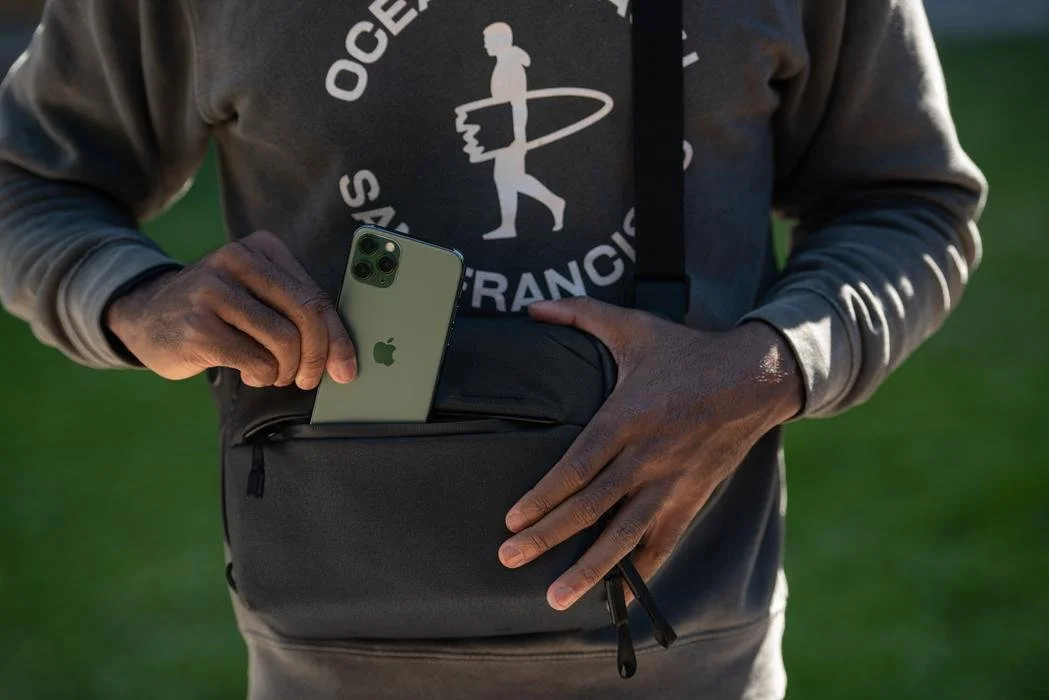
The next one looks like it is about ergonomics, and partly it is. Holding a naked phone to shoot is slippery, and even with a case it is awkward to keep steady one-handed on the street. A magnetic grip gives you something to actually hold.
But the real reason it stays in my bag is battery. If you leave the camera app running all day, which you do when you are shooting street, the phone drains fast. The grip I use is also a MagSafe power bank, so it tops the phone up magnetically while I hold it. If I need to charge something else, there is a cable too. Set it down and it doubles as a stand, which sounds minor until you are on a train or waiting at a gate and want the screen propped up.
It has a shutter button as well, connected over Bluetooth. Nice to have, but I would not buy it for that alone, because the iPhone Camera Control button already does the same job. The honest downside: with the handle attached, this does not slide neatly into a pocket. It is magnetic, so you can pull the phone off and pocket it, but that is a small ritual every time. For me the battery earns its keep. Here is the grip: Belkin Stage PowerGrip (affiliate).
The magnetic tripod I actually travel with
A quick disclosure before this one: KraftGeek sent me this tripod and set up a discount code for readers. They did not pay me, and I only put gear in this list that I actually use. In fact I already owned one of their tripods before this, and having a second is genuinely better for travel, for the reason that makes it worth mentioning at all: convenience.
It folds down small, and it opens with a flick. Be a little careful there, because it snaps open with more force than you expect. The phone attaches magnetically, and the hold is strong enough that I do not worry about it slipping off. If your phone is not a magnetic model, it comes with a ring you stick on to make it one.
What makes it travel-friendly is the combination: it packs tiny, the magnet is fast, and it ships with a small Bluetooth remote. When I am shooting alone, which is most of the time, I can set the phone on the tripod, walk into the frame or step back, and fire the shutter from a distance. That same remote is what makes the next accessory sing, because a long exposure needs the phone dead still. One honest flag: at full height it gets a little wobbly, so for long exposures I keep it low. You can find it here: KraftGeek JustTap Magnetic Tripod, and the code CESAR gets you 15% off.
An ND filter for a long exposure your phone only fakes
This is the one I saved for last in the video, and it is the accessory that does something your iPhone genuinely cannot do on its own. An ND filter is basically sunglasses for your lens. It darkens the light coming in, which lets you hold the shutter open long enough to blur moving water into silk or smooth a busy scene into calm, in broad daylight.
The iPhone has a computational long-exposure mode, and it is clever, but it fakes the effect by stacking frames. In a side by side, the real filter wins. The stacked version shows a kind of choppiness in the water that a true long exposure does not. With a physical ND you are capturing one continuous exposure, so the motion is smooth the way it is supposed to be.
Mine threads straight onto the same magnetic adapter the polarizer uses, so I am not carrying a second mounting system. It is a variable filter, so I can dial roughly five stops of darkness up or down depending on the light. To actually take the long exposure you want a manual camera app that lets you control shutter speed. I use Pearla, which is what I shot an entire phone-only trip with. Be honest with yourself about this one though: it is situational. It is a travel and landscape tool, not something you reach for on a fast street. Here is the filter: K&F Concept Variable ND Filter (affiliate). Do not buy a second adapter kit with it, since it uses the one you already have from the polarizer.
A cheap cleaning kit you will actually reach for
The last thing that earns a spot is the least exciting and, the few times I did not have it, the one I missed most. When you are traveling you do not control the weather or the ground. You end up on a beach, in sand, near dust, and things get dirty fast, especially the front of a filter you just paid for.
The kit is simple. A little blower to puff dust off without touching anything. A brush pen with soft bristles that lifts grit off the glass without scratching it, and a cleaning tip on the other end for smudges. Could you wipe the lens on your shirt? You could. Should you, on a filter you are trying not to scratch? No. These cost almost nothing, so keep a couple in your bag and forget about them until the moment you need one. Here is the kit: K&F Concept Lens Cleaning Kit (affiliate).
The iPhone accessories I would skip
Now the other half of an honest list, because knowing what to leave behind is half of packing one bag.
Clip-on lenses. The little wide or macro lenses that clamp onto the phone are convenient, but the quality is not there. They are made generically, they are often slightly too small for the camera, and you end up with heavy vignetting or soft, smeary corners. If that is the look you want, fine, but if you care about sharpness you are better off shooting clean and cropping in later.
LED lights. A small continuous light sounds useful and almost never is on the street. It is one more thing to carry and charge, and pointing a light at people in public is the opposite of staying invisible. Skip it.
Phone straps. A strap helps you carry the phone and hold it more securely, which is genuinely nice. But be clear about what it does. It never improves the photograph. It is a convenience accessory, not a picture accessory, so I do not count it on a list about better images.
If you want the mindset behind cutting gear like this, I get into a few more phone-specific habits here: Read: 4 iPhone Camera Secrets Pro Photographers Actually Use.
One bag, honestly
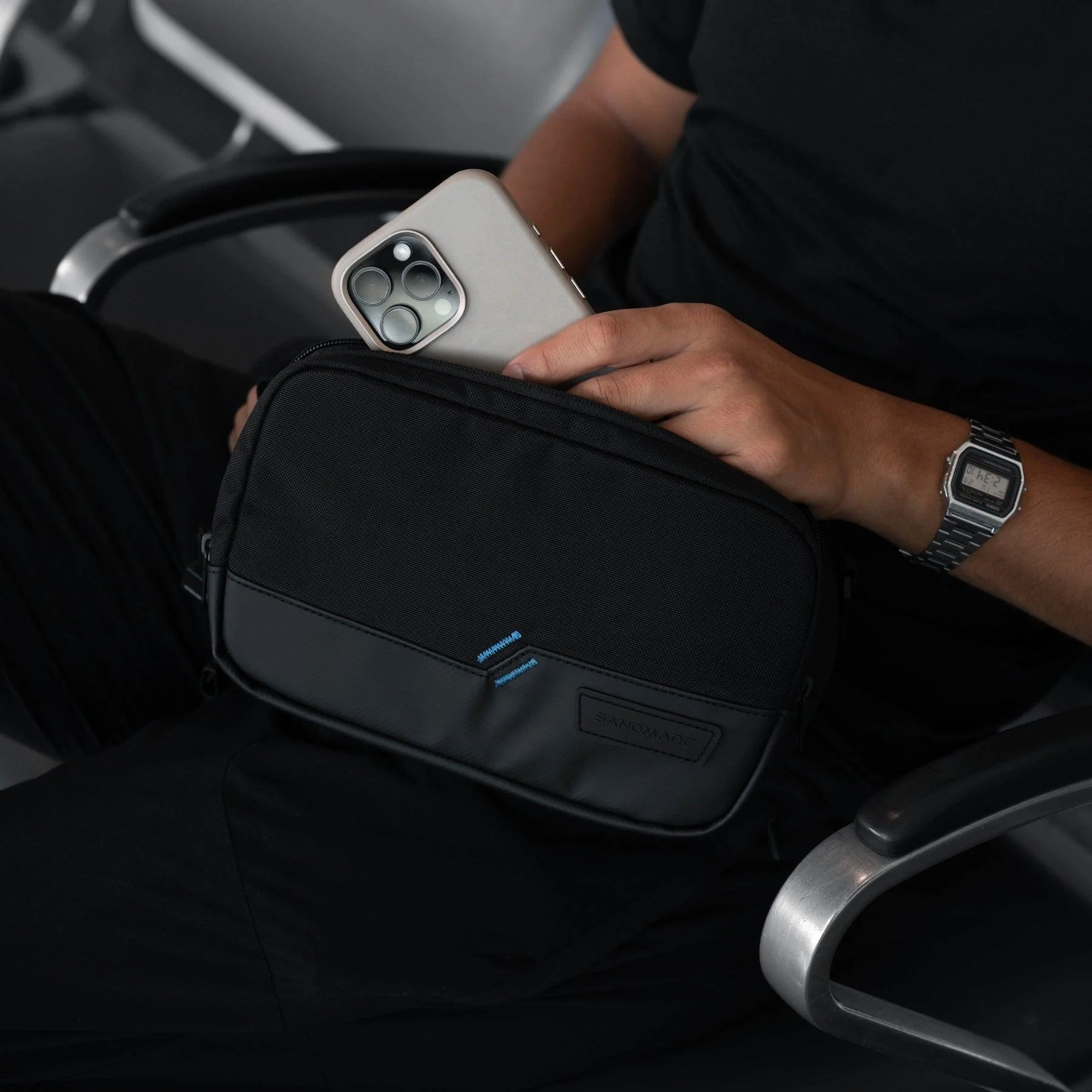
Strip it all back and the list of iPhone travel photography accessories worth carrying is short. A polarizer for reflections your phone cannot remove. A grip that keeps the battery alive. A tiny magnetic tripod with a remote for solo shots. An ND filter for the occasional real long exposure. And a cheap cleaning kit so none of the above gets ruined. Everything else, for me, stays home.
The point was never to load up the phone until it stops being a phone. It was to stay light, stay unnoticed, and add only the few things that let the camera in my pocket do something it could not do bare. That is the whole test, and most accessories fail it.
Once the kit is sorted, the camera app matters more than any add-on. I shot a full trip on nothing but the phone and Pearla, and that video is the one to watch next if you want to see this gear actually used rather than just described.
If posts like this are useful to you, I send one honest letter a month about photography, doubt, and showing up anyway, no hype, over at Still Shooting: stillshooting.beehiiv.com. And if you have an iPhone accessory you swear by, or one you regret buying, I would genuinely like to hear which.
I'm Cesar, I take photos around a day job.
